Get to Know KVM Switch: Your New Best Friend for Multi-Tasking

Are you juggling multiple devices and monitors but feel like you're drowning in a sea of cables? Say hello to KVM switch, the less-recognized icons of device management. Trust us; once you experience the ease of switching between devices with a single console, you'll wonder how you ever lived without it. They are a tad bit different than network switches in function but give you the same freedom.

Not Just Any Console: Why KVM Console Stands Out

So, you're probably thinking, "What's the big deal about a KVM console?" Here's the scoop. These tech essentials allow you to control multiple computers using just one set of peripherals. Yep, it's that simple. From HDMI KVM switch options to computer switchbox types, you've got a buffet of choices to suit your unique setup.

Elevate Your Setup: Types of KVM Switches

Are you feeling a bit overwhelmed? Don't sweat it. To get you started, let's break down the KVM family. First, 4 port KVM switches are perfect for small setups, offering seamless transitions between four devices. Looking for something a bit more advanced? Check out console KVM switch models that pack a punch with added features and versatility. So, go ahead and take the leap. Your perfect KVM switches await!

KVM Switches

  • 520-409-504 - HP Cat5 KVM Switch Adapter Cable for Blade System
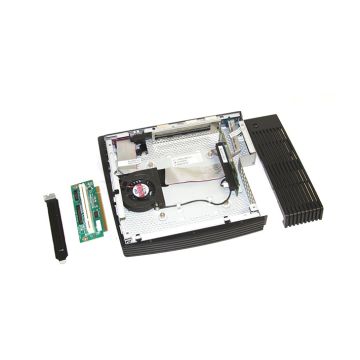
  • AZ551AA - HP T5740 Thin Client PCI Riser Express Expansion Module
  • 3R-A5041-AA - HP 8-Port KVM Switch 0x1x8 RJ-45 Keyboard/Mouse/Video
  • 169968-001 - HP 4-Port Switch Box Vga/keyBoard/mouse
  • AF604A - HP KVM PS/2/USB/CAT5 RJ-45 Virtual Media Interface Cable Adapter
  • AF652A - HP 16-Ports G3 0x2 Kvm Console Switch
  • AF617A - HP 16-Port External KVM Analog Switch Server Console
  • AF620A - HP 8-Ports Ethernet 1U Rack-mountable IP Console KVM Switch G2
  • 242694-001 - HP 4-Port KVM Switch Box 1u Programmable for ProLiant Server

FAQ