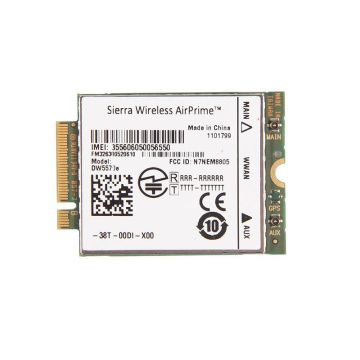
The Essential Role of Wireless LAN Cards
Stepping into the digital age, we are surrounded by devices that need connectivity. Wireless LAN cards are no exception. These unsung heroes of the internet world enable your devices to hop onto the digital highway. Be it your laptop, desktop, or even specific IoT devices, a wireless LAN card turns the airwaves into data streams.
All You Need to Know About WLAN
WLAN—or Wireless Local Area Network—is like your local pub: close, convenient, and accessible. It's where your devices go to socialize in the digital domain. The WLAN network is what your wireless LAN card taps into, allowing your gadgets to converse without the mess of cables. And speaking of wireless network adapters, these are basically your LAN card's cool cousin, allowing even greater flexibility.
A Closer Look at Different Types of WLAN Cards
It's a big world out there for WLAN cards. There's much to consider, from plug-and-play USB versions to internal PCI cards. Depending on what you need—faster speed, broader range, or specialized usage like gaming or streaming—a WLAN card is what you need.
By the way, pay attention to wireless accessories if you want to elevate your entire wireless infrastructure. These extras can help optimize your connection and make your digital life seamless.


 Login
Login