


Network Switch Explained: Types, Layers, and Features You Must Know
Digital connectivity is essential for everything from small home offices to large global companies. The local area network, or LAN, forms the backbone of these systems. At the center of every LAN is a key device: the network switch. While routers usually get more attention for providing internet access, switches act like traffic cops, directing data between devices inside the network.
If you want to build, manage, or fix a computer network, it’s important to know what a network switch is and how it works. This guide explains the purpose of network switches, the different types available, and the high-speed features that help keep us all connected.
Further Reading:
What Is a Network Switch?
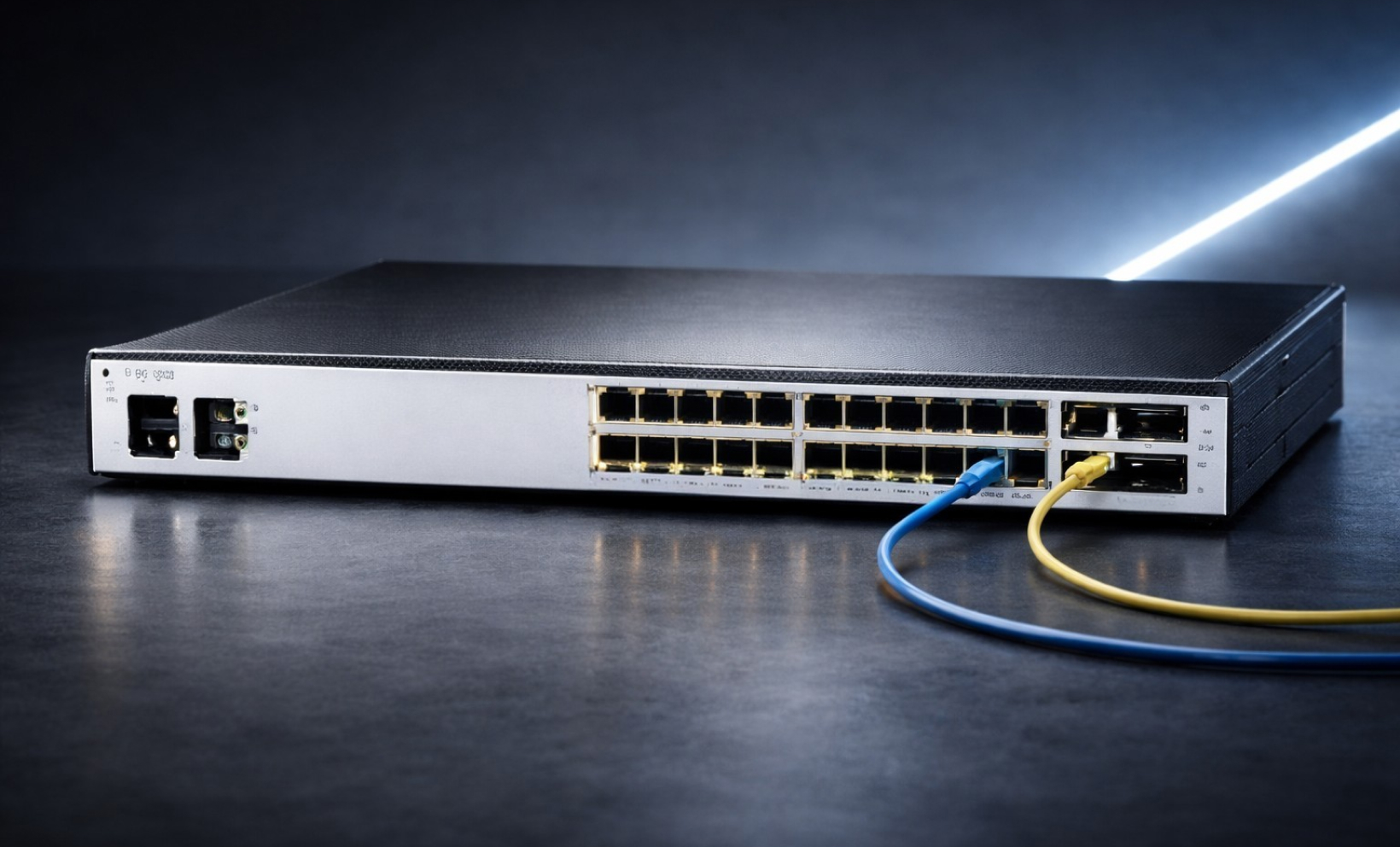
A network switch is a fast device that connects several devices, like computers, printers, and servers, on the same network. Unlike a hub that sends data to every port, a switch is smarter. It uses MAC (Media Access Control) addresses to figure out which device is connected to which port, so data only goes to the right recipient.
What is the Purpose of Switch in a Network?
A switch in a network helps people share resources efficiently and makes the best use of bandwidth. Picture a busy office with twenty people printing, using a shared server, and joining Zoom calls at the same time. If there were no switch, data packets would bump into each other, causing dropped connections and slow speeds. In a similar way, digital security systems rely on tools like fake ID detector to filter suspicious data and ensure only legitimate information moves through the network.
The purpose of a network switch is to prevent data collisions. It does this by setting up a direct path between the sender and receiver, so the full bandwidth is used for that transfer. Think of it as the office’s central nervous system, making sure your printer gets exactly what the CEO’s computer sends, without interrupting anyone else.
Uses of a Network Switch
Network switches do much more than just connect cables. They are essential for modern communication. Here are some real-world ways they are used:
- Traffic Management: Switches break up a network into smaller sections, which helps improve performance.
- Power Delivery (PoE): Many switches feature power over ethernet. They send power and data through the same cable. It means devices like security cameras, VoIP phones, and Wi-Fi access points do not need a separate wall outlet.
- Virtual LANs (VLANs): Switches allow IT managers to group devices in a way that makes sense for their needs. For example, the accounting department can be on one virtual network and Guest Wi-Fi on another, even if both use the same switch.
- Resource Sharing: Switches allow all devices on the network use shared resources, such as Network Attached Storage (NAS) or enterprise printers.
How a Network Switch Works: The OSI Layers
In networking, the OSI (Open Systems Interconnection) model explains how data travels. Knowing which layer, a switch works on helps you understand how advanced it is.
Layer 2 vs. Layer 3 Switches
- Layer 2 switches, which work at the Data Link Layer, are the most common type. They move data using only MAC addresses. These switches work well for small or medium networks where every device is on the same subnet.
- Layer 3 switches, which operate at the Network Layer, are more advanced. They act as both switches and routers, using IP addresses to send data between different subnets. This is important for large companies where different departments or floors need to communicate securely.
Types of Network Switches
When looking at the types of network switches, there isn’t a single type that works for everyone. The best choice depends on how big your organization is and how much control you need over your network.
1. Unmanaged Switches
Unmanaged switches are plug-and-play devices. They don’t have any settings to adjust or a control panel to use. You’ll often see them in homes or small shops. Just plug them in and they work right away. They’re inexpensive, but they don’t provide any security or monitoring features.
2. Managed Network Switches
Managed network switches are the top choice for larger businesses. They come with web-based or command-line interfaces, so IT staff can monitor network traffic, set data priorities, and fix problems from a distance. If there’s a problem with a port or a security threat, the switch will notify the IT team right away.
3. Smart (Web-Smart) Switches
Smart switches are a middle option between unmanaged and managed switches. They include some management features, such as basic VLANs and port trunking, but are easier to use and cost less than fully managed enterprise switches. They work well for growing businesses that want some control without spending too much.
4. Modular vs. Fixed-Configuration
- Fixed-Configuration: These have a set number of ports (e.g., 8, 24, or 48 ports) and cannot be changed.
- Modular Switches: These are large chassis-based units. As your business grows, you can add line cards to increase port density or add fiber-optic modules.
Performance and Speed: From Fast Ethernet to High Speed
When choosing a network switch, speed is usually the most important factor. Depending on what you need, you’ll see different speed standards:
- Fast Ethernet Network Switch: These work at speeds up to 100 Mbps. They are less common in places with lots of data, but you might still find them used for low-bandwidth devices like sensors or older printers.
- Gigabit Ethernet Switch: These switches are now the standard for most businesses, providing speeds of 1,000 Mbps, or 1 Gbps.
- High Speed Network Switch: These switches are used in data centers and other demanding settings. These switches can reach speeds of 10 Gbps, 40 Gbps, or even 100 Gbps. They are needed for tasks like 4K video streaming, large database transfers, and cloud computing.
Key Features to Look For
When choosing the right types of switches in computer network environments, look for these key features:
- Port Density: It’s smart to buy a switch with more ports than you currently need. For example, if you have 20 devices, choose a 24-port switch so you have room to grow.
- Forwarding Rate: It shows how many packets a switch can handle per second. High-performance switches use a non-blocking design, so every port can run at full speed at the same time.
- Quality of Service (QoS): This feature allows you to tell the switch that Voice or Video traffic is more important than Email. It helps keep your Zoom calls smooth, even if someone else is downloading a big file.
- Security Features: Choose switches with Port Security (MAC limiting) and Access Control Lists (ACLs) to help block unauthorized users from your network.
Final Thoughts
Selecting the right network switch is the most critical step in building a resilient digital infrastructure. The primary network switch purpose is to act as an intelligent traffic controller, ensuring data reaches its destination without lag or interference. Whether you need a fast ethernet switch for simple tasks or a high-speed switch for more demanding work, your decision affects every device on your network. Knowing how different switches are used helps you create a network that runs smoothly and avoids data collisions.
When choosing a network switch, think about what you need now and how your network might grow in the future. Unmanaged switches are simple to install, while managed switches give you more control and better security. Choosing the right switch can help prevent slowdowns and keep your network working well. Investing in quality hardware, especially with Layer 3 and PoE features, will help your network stay secure, efficient, and ready for new technology.
To receive swift, dependable assistance with all your computer parts needs, contact our specialized team at (855) 483-7810 or submit a form.
FAQs
What is a switch in networking?
A switch is a hardware device that connects multiple devices on a computer network. It uses packet switching to receive, process, and forward data only to the specific destination device.
What is a managed network switch?
A managed switch offers total control over network traffic. It allows administrators to configure, manage, and monitor LAN settings, including security features, VLANs, and traffic prioritization for better performance.
What are computer switches?
Computer switches (network switches) are physical components that link various IT devices. They act as a central hub for data exchange, ensuring information reaches the correct computer, printer, or server.
What are the types of switches?
The primary types include unmanaged (plug-and-play), managed (fully configurable), smart (limited configuration), and PoE switches. They are also categorized by speed, such as Gigabit or 10GbE, and physical design.
What are the different kinds of network switches?
Switches are categorized by functionality: Layer 2 for basic MAC-based switching, Layer 3 for IP routing, modular switches for scalability, and stackable switches for simplified management of multiple units.
Categories


tags

Expert team support
We accept POs from fortune 1000 companies, government agencies, defense, schools and hospitals.
Do you need advice on buying or selling hardware? Fill out the form and we will return.

Sales & Support
(855) 483-7810
We respond within 48 hours on all weekdays
Opening hours
Monday to thursday: 08.30-16.30
Friday: 08.30-15.30



