


Network Switch vs Router – Key Differences Explained
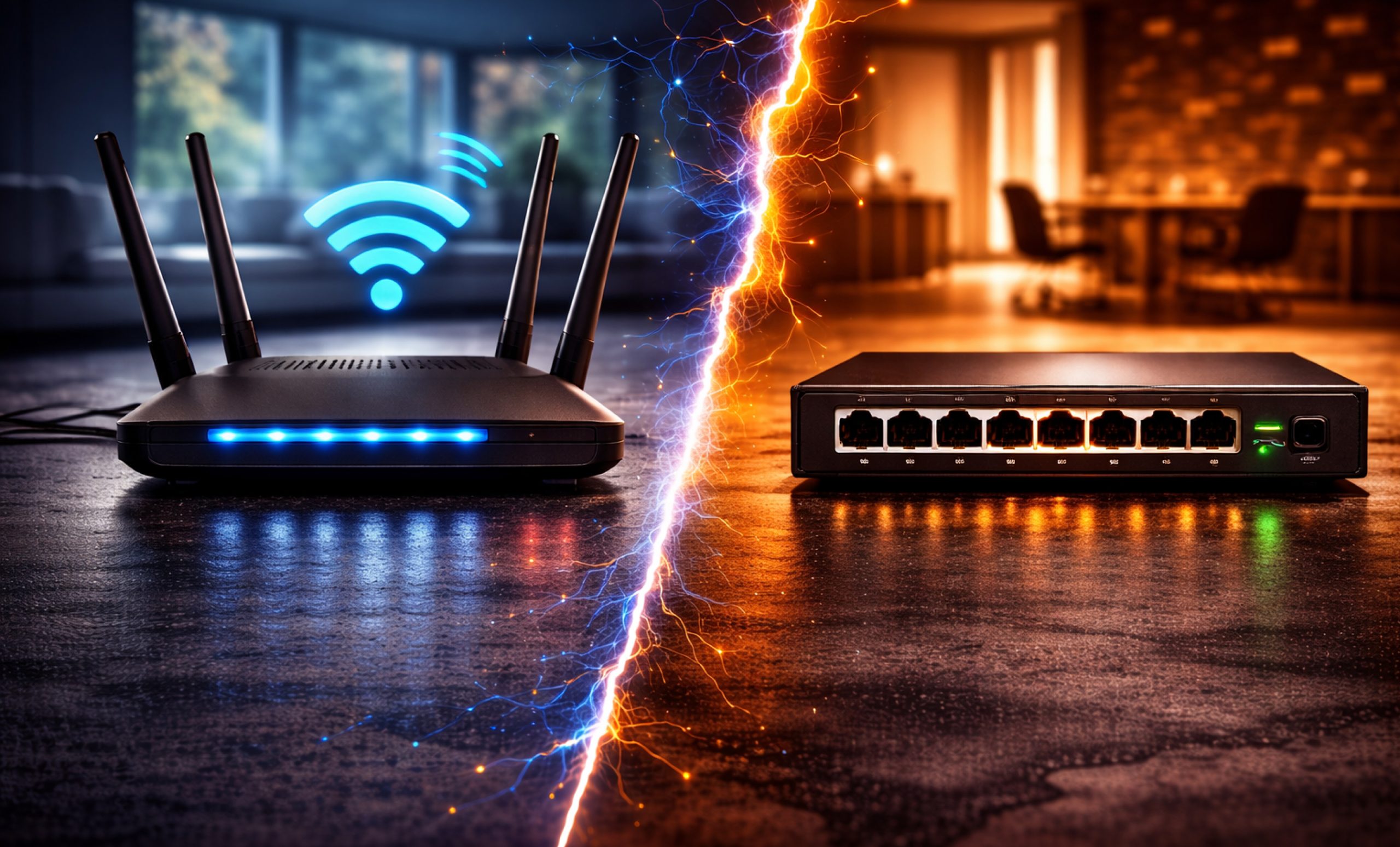
Today, it’s important to know how the technology behind our homes and businesses works. No matter if you’re setting up a home office or running a big data center, you’ll come across two key devices: the network switch and the router.
These devices might look almost the same at first, usually as small boxes with blinking lights and several Ethernet ports. But when it comes to moving data, they have very different jobs. Knowing the difference between a network switch vs router is key to building a network that works well and stays secure and scalable.
In this guide, we’ll explain how switches and routers work, what they’re used for, and the main differences between switch vs router in networking. This will help you figure out which device you need and why.
What is a Network Switch?
Before understand the difference between a router and a switch, let’s look at what each one does. Network switches are key parts of a Local Area Network (LAN). You can think of a switch as a fast controller that lets devices on the same network communicate with each other.
A switch mainly works at Layer 2, which is the Data Link Layer of the OSI model. When you connect devices like a computer, printer, and server to a switch, it learns the MAC (Media Access Control) addresses of each one. If Device A wants to send data to Device B, the switch finds the right MAC address and sends the data only to that specific device’s port. This way, data collisions are avoided and bandwidth is not wasted by sending information to every device on the network.
Key Types of Network Switches:
- Unmanaged Switches: These are plug-and-play devices often used in homes or small offices. They require no configuration.
- Managed Switches: These devices include advanced features such as VLANs (Virtual Local Area Networks), traffic prioritization (QoS), and security monitoring.
- PoE Switches: Power over Ethernet switches can transmit both data and electrical power over a single cable, ideal for VoIP phones and security cameras.
What is a Router?
A switch links devices to create a network, while a router connects different networks together. A network switch router setup is common because the router acts as the gateway. The router’s main job is to send traffic between your local network (LAN) and the outside world usually the Internet (WAN).
Routers operate at Layer 3, known as the Network Layer, in the OSI model. They use IP addresses to send data to the right place. Each device in your home or office gets its own local IP address from the router, but outside your network, all your traffic looks like it comes from one public IP address given by your Internet Service Provider (ISP).
Network Switch vs Router: The Core Differences
The main differences between a network switch vs network router are their levels of intelligence and the areas they cover.
1. Scope of Connection
The most basic router and switch difference is where they operate. A switch connects devices inside the same network. For example, if you have 10 computers in an office that need to share a file server, the switch handles their communication.
A router, on the other hand, connects different networks. If those ten computers need to access a website or use a cloud email service, the router takes their data from the switch and sends it to the Internet.
2. Data Transmission Method
Another important difference is how switches vs routers handle data.
- Switches use MAC addresses to deliver data to a specific device on the local network.
- Routers use IP addresses to deliver data to a specific network across the globe.
3. Intelligence and Processing
People often say routers are smarter than basic switches. Routers can do more complex jobs, such as Network Address Translation (NAT), acting as a firewall, and handling Dynamic Host Configuration Protocol (DHCP). Some advanced switches, called Layer 3 switches, can also route traffic, but a regular network switch primarily moves data quickly within a local network.
Comparing Network Switch vs Network Router Features
| Feature | Network Switch | Network Router |
| Layer | Data Link Layer (Layer 2) | Network Layer (Layer 3) |
| Primary Goal | Connect devices within a LAN | Connect LANs to the WAN (Internet) |
| Address Type | MAC Address | IP Address |
| Transmission | Frames | Packets |
| Ports | Usually many (8, 24, 48) | Usually few (2–5) |
| Network Type | Internal (Local) | External (Public/Global) |
When analyzing router vs network switch performance, switches are designed for fast connections inside a building, giving each port its own high-speed bandwidth. Routers are also quick, but their main job is to keep data secure and choose the best route for information to travel across the vast web of the Internet.
Why You Need Both: The Switch and Router Synergy
Today, most networks use both a switch and router together instead of choosing one over the other.
In a typical home setup, your router is actually a multi-purpose device. It contains a router (to connect to the ISP), a small 4-port switch (to plug in a PC or gaming console), and a wireless access point.
However, as a business grows, the built-in ports on a router aren’t enough. This is where network switches become vital. You connect one port of the router to a 24-port switch. Now, all 24 devices plugged into that switch can communicate with each other at lightning speeds and access the Internet through the single router connection. This collaboration is the heart of network switch router architecture.
Deep Dive: Router vs Network Switch Technicalities
To understand network switch vs router differences, it is important to look how each one manages network traffic.
1. Collision Domains vs. Broadcast Domains
A switch creates a separate collision domain for each port. It means that two devices can send data at the exact same time without interfering with each other. This is a massive upgrade over older hubs.
On the other hand, a router controls broadcast domains. In a large network, devices send broadcast messages to find services like printers. If these messages went everywhere, it would cause problems for the whole global network. The router prevents this by keeping messages within the local network and allowing only necessary data to go out.
2. Security and Firewalls
Security is a main difference between routers and switches. Routers have software- based firewalls that check incoming data packets for threats. Most switches do not have built-in firewalls because they expect devices inside the network to be trusted.
Use Cases: When to Focus on Each
When To Prioritize Network Switches:
- Gaming Parties: If you want the lowest possible latency between multiple consoles in the same room.
- Office Environments: When you have dozens of desktop computers, IP phones, and printers that need to be hardwired for stability.
- Media Servers: If you are streaming 4K video from a local NAS (Network Attached Storage) to a smart TV, a high-quality switch ensures the video doesn’t lag.
When To Prioritize Routers:
- Internet Access: Every home or business that wants to be online must have a router.
- Remote Work: If you need to set up a VPN (Virtual Private Network) to allow employees to access office files from home securely.
- Network Security: When you need to set up guest Wi-Fi networks that are isolated from your private company data.
Final Thoughts
Navigating the world of switches vs routers doesn’t have to be complicated. If you are staying inside your house or office to connect your gadgets, you are talking about switching. If you are going outside to the web, you are talking about routing.
The difference between a router and a switch is really about what each one does: the switch organizes things inside your network, and the router connects you to the outside world. By using switches to add more connections in your home or office and a strong router to handle your internet access, you set up a fast and reliable network.
Whether you are comparing network switches vs network routers before buying or just trying to fix your home Wi-Fi, remember that these two devices work together to keep you connected. You need both to handle everything you do online smoothly.
To receive swift, dependable assistance with all your computer parts needs, contact our specialized team at (855) 483-7810 or submit a form.
FAQs
What is a network switch vs a router?
A network switch connects multiple devices within a single local network (LAN) to share data, while a router connects that local network to the internet or other different networks.
Is a switch a router?
No, a switch is not a router. A switch facilitates communication between devices on one network, whereas a router directs data between different networks and assigns IP addresses to devices.
Why switch instead of router?
Use a switch when you need more physical ports to connect devices within the same network. Switches provide faster, dedicated data paths for internal traffic than a standard router’s built-in ports.
What is the main difference between routing and switching?
Switching uses MAC addresses to send data to specific devices on a local network (Layer 2), while routing uses IP addresses to move data between different networks across the internet (Layer 3).
Which is better, a switch or a router?
Neither is “better” as they serve different purposes. You need a router for internet access and security, and a switch to expand your network and connect many devices together efficiently.
Categories


tags

Expert team support
We accept POs from fortune 1000 companies, government agencies, defense, schools and hospitals.
Do you need advice on buying or selling hardware? Fill out the form and we will return.

Sales & Support
(855) 483-7810
We respond within 48 hours on all weekdays
Opening hours
Monday to thursday: 08.30-16.30
Friday: 08.30-15.30



