


Cloud Storage vs. Network Storage Device – Which One Should You Choose?
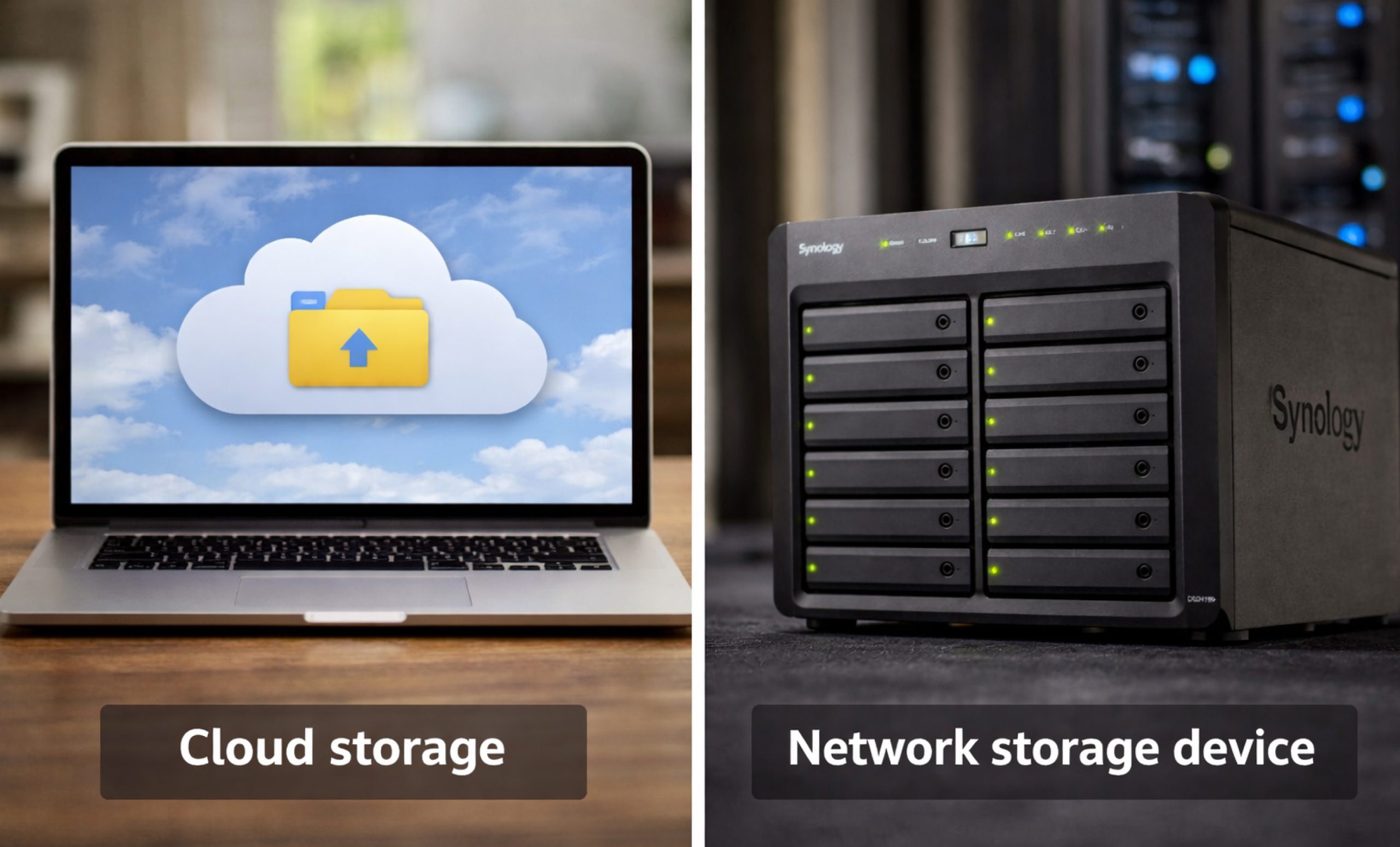
In today’s world, where data holds immense value, the real question isn’t whether you need to back up your files, but rather where you should do it. Our digital lives require storage solutions that are reliable, scalable, and secure, whether it’s for high-resolution family photos or essential corporate databases. The market is typically split into two main groups: those who favor the convenience of the cloud and those who prefer the capabilities of a network storage device.
Deciding between the two goes beyond just cost; it involves considerations of control, speed, and your long-term plan. This guide will explore the differences between network-attached storage devices and cloud subscriptions, helping you determine which option best suits your workflow.
Basics of Both Storage Options
Before we dive into the comparison, it’s important to clarify who the players are. Cloud storage means keeping your data on remote servers that are managed by a provider, such as Google, Apple, or AWS, and you can access it through the internet. On the other hand, a Network Storage Device, commonly known as NAS, is a physical server in your home or office that links to your local network.
Although the cloud may seem “invisible,” a NAS – network storage device is a physical piece of hardware that you own, control, and can upgrade as needed.
What is a Network Storage Device (NAS)?
A network attached storage device is essentially a specialized computer designed solely for data storage and retrieval. A NAS differs from a basic external hard drive that connects to just one laptop through USB; instead, it links to your router. Every authorized device connected to your Wi-Fi or Ethernet, whether it’s a phone, tablet, or PC, can access the same pool of data at the same time.
Today’s top network storage devices are far from just dumb boxes. These systems operate independently, enabling you to host websites, manage surveillance setups, and even run your own private email servers.
The Rise of Cloud Storage
Cloud storage became popular because of its convenient “set it and forget it” approach. No need to purchase any hardware, no drives to replace, and you can often start with zero initial costs for a few gigabytes. It provides access from anywhere, by default. As your data expands from gigabytes to terabytes, the monthly costs for that storage can really start to accumulate, prompting many users to reconsider investing in a dedicated network storage device. It provides access from anywhere, by default. This flexibility also supports modern business tools like a VoIP phone system UK, allowing teams to stay connected while accessing critical data remotely.
Performance and Speed: Local vs. Remote
When it comes to speed, the NAS – network storage device for home usually wins in a local environment.
- NAS Speed: Transfers occur over your local area network (LAN). If you have a Gigabit or 10GbE setup, you can move massive 4K video files almost instantly.
- Cloud Speed: You are limited by your ISP’s upload speed. For many, uploading 1TB of data to the cloud can take days, whereas moving it to a network attached storage device takes minutes.
If you are a creative professional or a gamer, the latency of the cloud can be a dealbreaker. A local network storage device provides the snappy response time needed for active editing.
Cost Analysis: Subscription vs. One-Time Purchase
This financial comparison highlights the classic distinction between Operating Expenses (OpEx) and Capital Expenses (CapEx).
- Cloud Storage: Reduced initial investment with endless monthly fees. In just five years, investing in a 2TB cloud storage plan can end up costing you considerably more than purchasing the hardware for a NAS.
- Network Storage Device: Initial investment is higher due to the purchase of the unit and hard drives. Once you’ve made your payment, you can enjoy the benefits without any recurring monthly fees. A budget-friendly network storage device can quickly prove its worth, often paying for itself in just 18 to 24 months.
To find the best network storage device within your budget, you typically evaluate the “Total Cost of Ownership” over a 5-year span.
Security and Privacy: Who Owns Your Data?
When you save data on the cloud, you are giving up your privacy to a third party. While big companies utilize strong encryption, they still have the keys to the kingdom. If their service fails or flags your account, you lose access to all your work.
You are the administrator of a network storage device. You decide how the disks are encrypted, who may use them, and where they are physically located. Many people find that having a home network storage device gives them peace of mind because they know their family images aren’t on a corporate server.
Home Network Storage Device: The Ultimate Media Hub
Tech-savvy households secretly rely on a home network storage device. Instead of paying for Netflix, Disney+, and Spotify, many users store their own high-quality media on a NAS. Using apps like Plex or Jellyfin, your network attached storage device can stream movies to your TV, music to your phone, and back up every smartphone in the house automatically.
Best Network Storage Device for Small Business
Data redundancy is critical to entrepreneurs. The best network storage device for small businesses will include “RAID” (Redundant Array of Independent Disks). This implies that if one of the hard drives fails, your data will be protected on the other disks.
Businesses also benefit from cooperation features. Instead of emailing huge files, employees can access a shared folder on the nas network storage device. It functions as a private, quicker version of Dropbox, containing sensitive enterprise intellectual property within office walls.
How to Find a Cheap Network Storage Device
You don’t have to spend thousands. To discover a budget-friendly network storage device, check for 1-bay to 24-bay devices collection from well-known companies such as Synology, QNAP, and TerraMaster at Direct Macro store. These entry-level systems offer the fundamental advantages of network storage, remote access and centralized backup, without the enterprise-grade price tag.
Another option for a low-cost network storage device is to repurpose an old PC with open-source software such as TrueNAS or Unraid, which takes a little more technical “know-how.”
Final Thoughts: Which Should You Choose?
- Choose Cloud Storage if: You have minimal data (under 500 GB), you value convenience over cost, and you don’t want to manage any hardware.
- Choose a Network Storage Device if: You have terabytes of data, you want the fastest possible speeds, you care about long-term savings, and you want 100% privacy and control.
Most power users and organizations prefer the best network storage device due to its adaptability and lack of recurring payments.
Direct macro accepts purchase orders from all business entities, corporations, school systems (private & public), government agencies, colleges, universities, and libraries. For more information and detail contact us at (855) 483-7810 or visit our website to request bulk quote.
Frequently Asked Questions (FAQs)
What is a Network Attached Storage Device?
A Network Attached Storage (NAS) device is a dedicated file-level storage server connected to a network, allowing multiple users and heterogeneous client devices to retrieve and share data from centralized disk capacity.
What is a Network Storage Device?
A network storage device is any hardware, such as a NAS or SAN, that enables data storage and access over a computer network rather than through a direct physical connection like USB.
How to Choose a Network Storage Device?
To choose the right device, evaluate your required storage capacity, the number of drive bays for redundancy, and the processor speed for multitasking, and ensure the operating system supports your specific software needs.
Is NAS faster than SSD?
A NAS is a system, while an SSD is a drive. A NAS using SSDs is faster than one with HDDs, but local NVMe SSDs usually outperform network-accessed storage due to bandwidth.
Which NAS storage is best?
The best NAS storage depends on needs; Synology is renowned for user-friendly software, QNAP offers powerful hardware for professionals, and ASUSTOR provides excellent value for home media enthusiasts and streamers.
Categories


tags

Expert team support
We accept POs from fortune 1000 companies, government agencies, defense, schools and hospitals.
Do you need advice on buying or selling hardware? Fill out the form and we will return.

Sales & Support
(855) 483-7810
We respond within 48 hours on all weekdays
Opening hours
Monday to thursday: 08.30-16.30
Friday: 08.30-15.30



