


Types of Servers Memory: ECC vs Non-ECC Explained
In data centers and enterprise computing, system stability depends on its weakest component. While home users often focus on CPU speed or GPU performance, IT professionals value reliability above all. Server memory plays a crucial role in delivering this reliability.
How do you choose RAM that protects your business’s revenue, not just runs software? Choosing the right RAM goes beyond capacity; it protects data integrity. This guide explores the different types of server memory and provides a detailed comparison of ECC and non-ECC memory to help you make informed infrastructure decisions.
Understanding the Basics: What is Server Memory?
Server memory is specialized hardware that temporarily stores data while the server’s processor works. Unlike standard desktop RAM, server-grade modules operate around the clock, handle high-density computing, and support mission-critical applications where even a second of downtime can cause significant financial loss.
The main goal of server memory is to maximize uptime because a single bit error can cost a business six figures an hour in lost revenue or productivity. To achieve this level of stability, server RAM includes features such as advanced thermal management and error detection protocols, which are uncommon in consumer-grade electronics.
The Different Types of Servers Memory
When looking at the market, you will encounter several server memory classes. Using consistent terminology, these memory classes are generally categorized by how they communicate with the memory controller:
- Registered (RDIMM): Registered memory class includes a register that buffers control signals, enabling the server to support more memory slots and higher capacities.
- Unbuffered (UDIMM): Unbuffered class is faster for low-capacity setups because it lacks the register delay, but it is limited in how many modules can be used simultaneously.
- Load Reduced (LRDIMM): Designed for maximum capacity, this memory class buffers both control signals and data lines, reducing the electrical load on the memory controller.
However, the most important classification depends on how memory handles internal data errors. This leads to the distinction between ECC and non-ECC memory.
What is ECC and Non-ECC Memory?
To understand the options, first consider what is ECC and non-ECC memory?
ECC (Error Correction Code) memory is a specialized type of computer data storage that can detect and fix the most common kinds of internal data corruption. Specifically, it identifies single-bit errors, a phenomenon where a 0 randomly flips to a 1 (or vice versa) due to cosmic rays, magnetic interference, or hardware aging.
Non-ECC memory lacks this specialized circuitry. It is the standard RAM in most laptops, gaming PCs, and budget workstations. While fast and affordable, it cannot detect bit errors until the system crashes or a file is saved with corruption.
What is non-ECC RAM?
If you are building a home gaming rig, you are likely using this. But what is non ecc ram in a professional context?
Non-ECC RAM is designed for speed and simplicity. It consists of eight memory chips per side. Because there is no ninth chip to store error-correcting code, the data travels directly from the RAM to the CPU. In a server environment, using non-ECC RAM is risky. If a bit flip occurs in a non-ECC module, the system will likely experience a Blue Screen of Death (BSOD) or a kernel panic, leading to immediate downtime.
How ECC Memory Works: The Science of Error Correction
ECC memory uses algorithms to ensure data integrity. It adds a checksum to every byte of data to confirm that the data read matches what was written.
- Detection: When data is requested, the memory controller recalculates the checksum.
- Correction: If the checksums do not match, the ECC algorithm pinpoints the flipped bit and corrects it in real time.
- Reporting: Modern servers log these events, allowing IT managers to replace a failing module before it causes a catastrophic system failure.
Non-ECC vs ECC Memory: Key Differences Compared
When comparing non-ecc vs ecc memory, the differences can be summarized in three pillars: Reliability, Price, and Speed.
- Reliability: ECC offers superior protection. It prevents 99.9% of memory-related system crashes.
- Price: Non-ECC is cheaper. ECC modules require an extra memory chip and a more complex PCB, making them roughly 10-20% more expensive.
- Speed: Non-ECC is marginally faster because it skips checksum calculations, but this difference is negligible in modern systems.
ECC RAM vs Non-ECC: Performance and Cost Factors
The ECC RAM vs non-ECC debate often comes down to the cost of failure vs cost of the component.
In professional environments, ECC memory has a small performance impact of about 2-3%. However, if a server supporting a database for 1,000 users crashes due to a bit flip, the cost of downtime and data loss far exceeds the minor speed advantage and lower price of non-ECC RAM.
High-frequency trading, scientific simulations, and large-scale virtualization all require the stability that ECC server memory provides. For example, quant developers in high-frequency trading environments, simulation engineers running intensive scientific workloads, and virtualization infrastructure managers supporting large-scale deployments will all depend on the data integrity and error correction that ECC memory ensures. By connecting the use of ECC RAM directly to these roles, the need for error correction becomes personally relevant to professionals working in these demanding fields.
The Critical Difference Between ECC and Non-ECC RAM
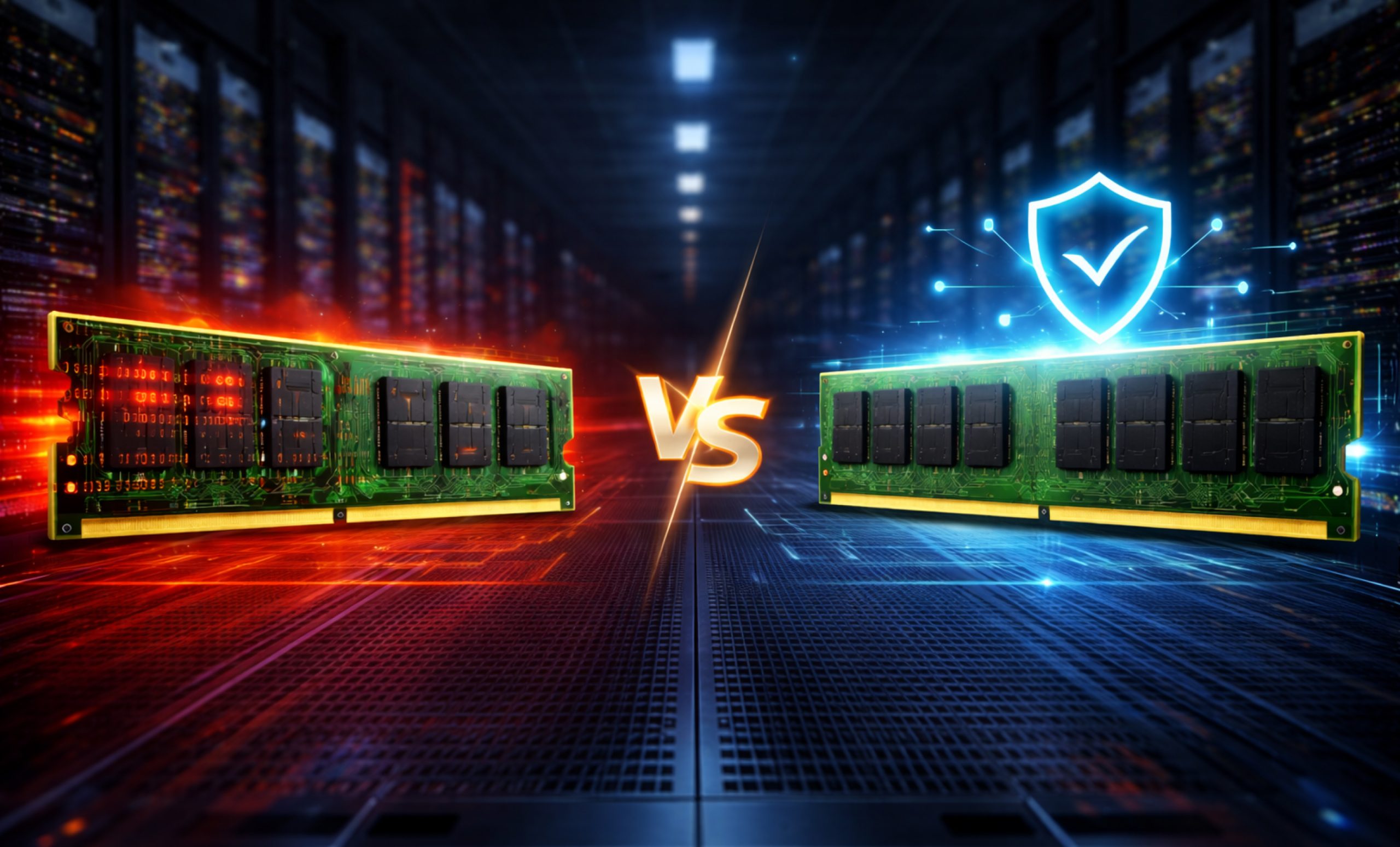
You can often see the physical difference between ECC and non-ECC RAM. Count the black memory chips on the stick:
- Non-ECC: Usually has 8 chips.
- ECC: Usually has 9 chips (the 9th chip handles the error correction code).
Beyond hardware, the memory controller creates another distinction. Your motherboard and CPU, such as Intel Xeon or AMD EPYC, must support ECC RAM. If you install ECC RAM in a standard consumer motherboard, it either will not boot or will operate only in non-ECC mode, eliminating the benefits.
ECC Memory vs Non-ECC Memory: Which One Should You Choose?
Deciding between ecc memory vs non ecc memory depends entirely on your use case.
- Choose ECC Memory if: You are running a server, a professional workstation for video rendering, a financial platform, or any system that stays on 24/7. It is the gold standard for data integrity.
- Choose non-ECC Memory if: you are a gamer, a casual home user, or a student. In these cases, a rare system crash is just an annoyance, not a financial disaster, so you benefit from the lower price.
The Role of ECC Computer Memory in Modern Data Centers
As we move toward AI-driven workloads and massive cloud computing, ecc computer memory is more important than ever. Modern CPUs have billions of transistors, and as memory density increases, the likelihood of an electrical interference causing a bit flip increases.
Without ECC computer memory, the “Silent Data Corruption” could lead to AI models learning incorrect patterns or medical databases storing wrong patient information. For any business that treats data as an asset, ECC is not an optional luxury, it is a foundational requirement.
Final Thoughts
Choosing between ECC RAM and non-ECC RAM is one of the most important hardware decisions for IT managers. While many focus on the slight extra cost of ECC, the peace of mind it provides is invaluable.
To help you take the next step, consider this decision checklist:
- Audit your current memory modules to identify if they are ECC or non-ECC.
- Review BIOS or server system logs for past memory errors or warnings.
- Evaluate system requirements for uptime and critical workloads.
- Consult your hardware compatibility list to verify ECC support in your server’s motherboard and CPU.
- Compare the cost of ECC alternatives from trusted vendors.
- Plan for gradual upgrades to minimize downtime.
Taking these practical actions will help you translate insight into effective changes that protect your server’s reliability. Whether you are building a small office file server or a massive data center, prioritizing high-quality Server Memory is the best investment you can make for your digital infrastructure.
For more information call us at (855) 483-7810 or visit our website to request bulk quote.
FAQs
Is server memory ECC or non-ECC?
Most professional Server Memory is ECC because servers require maximum uptime. While some entry-level micro-servers use non-ECC memory, enterprise-grade hardware almost exclusively uses ECC and non-ECC memory protocols for stability.
What is the difference between ECC and non-ECC?
The primary difference between ECC and non-ECC RAM is that ECC detects and automatically corrects data corruption (bit flips), whereas non-ECC memory cannot, leading to potential system crashes.
What are the 4 types of memory in a computer?
Computers typically use four types of memory: Register memory, Cache (L1, L2, L3), Server Memory (RAM/DRAM), and Virtual memory (paging files on the storage drive).
What are the different types of server memory?
The main Types of Server Memory include UDIMM (unbuffered), RDIMM (registered), and LRDIMM (load-reduced). Each offers different levels of capacity, speed, and stability for varying enterprise workloads.
Can refurbished server memory perform as well as new modules?
Yes, high-quality refurbished ECC memory modules undergo rigorous testing. They often perform identically to new ones while providing a cost-effective way to scale data centers.
Categories


tags

Expert team support
We accept POs from fortune 1000 companies, government agencies, defense, schools and hospitals.
Do you need advice on buying or selling hardware? Fill out the form and we will return.

Sales & Support
(855) 483-7810
We respond within 48 hours on all weekdays
Opening hours
Monday to thursday: 08.30-16.30
Friday: 08.30-15.30



