


How to Choose Between Label Printer and Barcode Printer
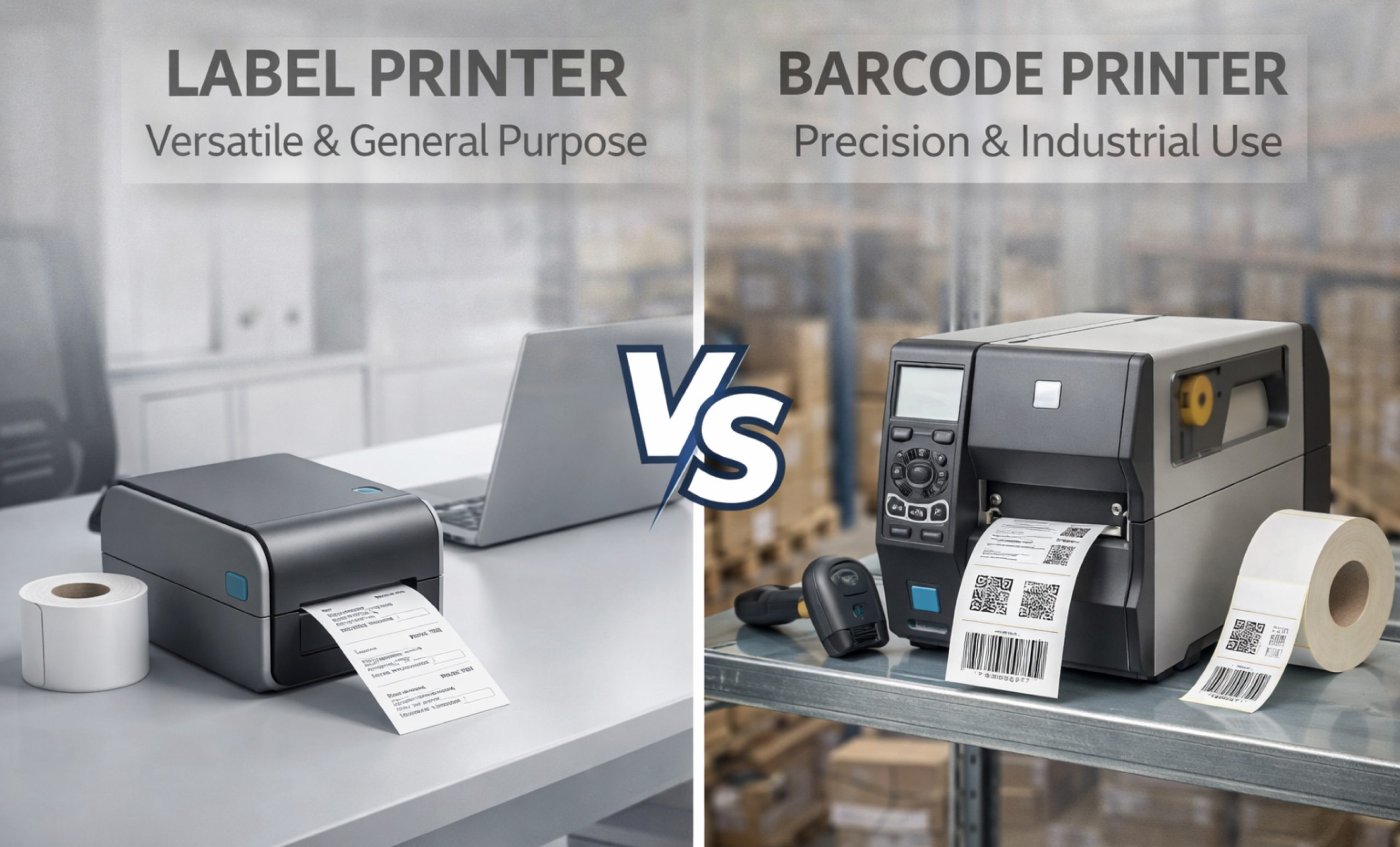
In the fast-paced world of transportation, retail, and manufacturing, efficiency is the key to success. Businesses rely largely on well-organized tracking systems to sustain their efficiency. At the heart of these systems is a familiar quandary for procurement managers and small business owners alike: how to decide between a label printer and a barcode printer.
Although informal conversations often use the terms interchangeably, understanding the technical differences is crucial for enhancing your workflow. Whether you run a small e-commerce business from your garage or manage a large distribution center, choosing the correct equipment for label printing and barcode printing can save you thousands of dollars in maintenance and misprinting charges.
Understanding the Basics: Is There a Difference?
At first appearance, a barcode label printer may resemble a regular shipping label maker. In many circumstances, they are the same. However, the distinction is usually based on the device’s goal and internal optimization.
A label printer is a broad range of equipment used to create adhesive-backed tags. These can include address labels, file folder tabs, name badges, and even full-color branding stickers. A barcode printer, on the other hand, is a type of label printer that produces high-precision, machine-readable codes.
When discussing label printer vs barcode printer, we frequently contrast general-purpose adaptability with industrial-grade precision. Barcode printers are designed to withstand the intense demands of scanning precision, ensuring that every line and space in a barcode fulfills international standards (such as GS1) to prevent scanning failures at the point of sale or in the warehouse.
Further Reading:
The Role of Thermal Technology in Label and Barcode Printing
The most major difference between these two devices is the technology they use. Most recent devices in these categories are either thermal label printers or thermal barcode printers. Thermal printing eliminates the need for expensive ink or toner cartridges, making it more cost-effective for high-volume tasks.
1.Direct Thermal Printing
This method employs heat-sensitive media, which blackens when it passes beneath the print head. A direct thermal label printer is ideal for short-term use, such as shipping labels or deli tags. However, because the labels are susceptible to light and heat, they may fade or turn black with time.
2.Thermal Transfer Printing
A thermal barcode scanner with thermal transfer technology is the best option for long-term tracking. This technique employs a carbon ribbon that is fused onto the label surface. The end product is a long-lasting print that can survive chemicals, moisture, and extreme temperatures, essential for industrial inventory tracking.
Categories of Printers: Which One Fits Your Business?
Choosing the appropriate hardware is dependent on your daily output and environment. Manufacturers such as Zebra, Honeywell, and iDPRT divide their machines into three primary categories:
1.Desktop Barcode Printer: The Small Business Workhorse
If you print fewer than 500 labels each day, a desktop barcode printer is your best option. These small devices can easily fit on an office desk or a retail counter. They are simple to use, accommodate various barcode printing software, and are often the cheapest option for professional labeling.
2.Industrial Barcode Printer: Built for High Velocity
When your operations grow to thousands of labels per day, you require the durability of an industrial barcode printer. To withstand prolonged duty cycles, these machines include metal frames and high-capacity internal rollers. They offer quicker printing speeds (measured in inches per second, or IPS) and better quality (DPI), making sure that even tiny barcodes on electronic parts are easy to read and scan.
3.Portable Barcode Printer: Mobility on the Go
A portable barcode printer is essential for field service workers and warehouse employees who need to label things at the point of pickup. These battery-powered devices use Bluetooth or Wi-Fi to connect to a mobile computer or smartphone. These devices facilitate immediate label printing, significantly decreasing the “travel time” that employees must spend walking back and forth to a stationary station.
Key Factors in Your Decision-Making Process
When comparing a label printer to a barcode printer, consider these five technical pillars:
1.Print Volume and Speed
How many labels do you need each day? Desktop variants are ideal for low-volume applications, but in “always-on” environments, industrial units require internal motors to prevent overheating.
2.Print Resolution (DPI)
Standard shipping labels appear well at 203 DPI. However, if you’re printing small barcodes (such as those found on jewellery or circuit boards), you may require a barcode printer with 300 or 600 DPI to ensure the machine-readable lines are sharp enough to be scanned.
3.Media Compatibility
Certain label printing operations necessitate the use of specialist materials such as polyester, polypropylene, or even cloth. Make sure the printer you chose can handle the thickness and surface texture of your preferred media. Standard office labellers frequently lack the sensor sensitivity necessary for non-paper substrates.
4.Software Integration
Modern barcode printers frequently require interaction with Warehouse Management Systems (WMS) or ERP software. Determine whether the printer supports industry-standard languages such as ZPL (Zebra Programming Language) or EPL. A high-quality barcode label printer will provide seamless drivers for Windows, Mac, and specialized labeling software such as Bartender or Nice Label.
5.Durability and Environment
A plastic-cased thermal label printer will not last long in a dusty warehouse or a damp cold storage facility. Look for industrial models with sealed housings to safeguard the sensitive print head from environmental debris.
Final Thoughts
Last but not least, the choice between a label printer and a barcode printer boils down to the importance of the barcode itself. A multifunctional label printer is suitable if you only need to print address labels and a minor smudge does not disrupt the system. However, if your company depends on 100% scan accuracy for inventory and transportation, investing in a dedicated barcode printer is a must-have for operational success.
Whether you choose a desktop barcode printer for your office or a portable barcode printer for your warehouse team, make sure to choose the thermal technology that best matches the lifespan of your label. By matching the correct tool to your exact volume and environmental requirements, you can keep your business organized, professional, and ready for expansion.
We accept purchase orders from all business entities, corporations, school systems such as private and public, government agencies, colleges, universities, and libraries. Fill the bulk quote form or speak to our expert at (855) 483-7810 for more support.
FAQs
What is a barcode printer?
A barcode printer is a specialized device designed for high-precision barcode printing on various media, ensuring scans are accurate for tracking inventory using advanced thermal barcode printer technology.
What is a label printer?
A label printer is a versatile tool used for label printing, creating shipping tags, or stickers. Many utilize thermal label printer mechanisms to produce durable, high-quality adhesive labels efficiently.
What is the difference between barcode printer and label printer?
Comparing label printer vs barcode printer, the main difference lies in precision. A barcode label printer focuses on crisp lines for scanning, whereas standard label printers are designed for general text.
What is the difference between barcode and label?
A barcode is a machine-readable code, while a label is the physical carrier. Using a barcode printer allows you to combine both during the professional label printing process.
How to Choose Between Label Printer and Barcode Printer?
Evaluate your volume and environment to choose between label printers vs barcode printers. A desktop barcode printer is the best option for offices, whereas a portable barcode printer is optimal choice for mobile tasks or home-based businesses. Consider a thermal label printer for durability.
Categories


tags

Expert team support
We accept POs from fortune 1000 companies, government agencies, defense, schools and hospitals.
Do you need advice on buying or selling hardware? Fill out the form and we will return.

Sales & Support
(855) 483-7810
We respond within 48 hours on all weekdays
Opening hours
Monday to thursday: 08.30-16.30
Friday: 08.30-15.30



